Compatible & remanufactured supplies, tested to OEM yield standards. One-year guarantee, same-day dispatch on orders in by 3 PM ET.

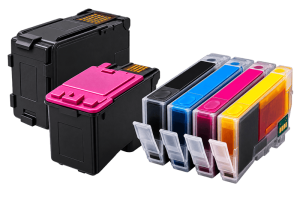
Epson splits into two ink systems, and picking the right one matters. Cartridge printers — the WorkForce WF-2830, WF-3720, WF-4740, WF-7840 and WF-C5290, the Expression XP-4100 and XP-7100 — use Epson’s numbered cartridges (200, 220, 232, 502, 702, 786, 812, 902 and their XL and XXL versions). EcoTank models, the ET-series, do not take cartridges at all; they refill from bottles (T502, T522, T542, T664 and similar). A Laser Recharge stocks compatible and remanufactured ink for both, plus toner for the WorkForce AL-M mono lasers. On the cartridge printers the XL and XXL sizes are the only ones worth buying for regular use; the standard cartridges are close to sample size. Epson firmware updates have been known to reject third-party ink, so many owners turn off automatic updates. Orders in by 3 PM ET ship the same day from South Florida under our one-year guarantee.
See all Epson supplies with filters for colour, type, yield and price.
The first Epson question is always cartridges or bottles. ET-series (EcoTank) printers refill from T-series bottles; everything else — WorkForce, Expression — takes numbered cartridges. On the cartridge printers, ignore the standard size and buy XL or XXL; the standard cartridge is barely a starter.
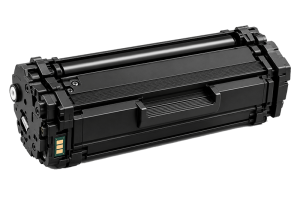
The one thing to watch is firmware: Epson has pushed updates that reject third-party ink, so if you rely on compatible cartridges it is worth turning off automatic firmware updates in the printer settings. For the WorkForce AL-M lasers, the toner is an S050 code with a separate imaging unit, unrelated to any of the ink numbering.
New to compatible cartridges? Read our cartridge guide or see the performance guarantee .
Other brands: HP · Brother · Canon · Xerox · Ricoh · Lexmark